
Nottinghamshire Police issue online protection advice after millions hit by data breaches
Nottinghamshire Police’s cyber crime team are highlighting four simple ways customers can protect themselves following a series of high-profile data breaches.
Hackers have targeted organisations by stealing customer data and demanding a ransom payment to prevent the information being sold on the dark web.
This can often lead to targeted crime such as identity theft, phishing emails and people’s online accounts being hacked.
Ticketmaster, a subsidiary of Live Nation, recently confirmed a significant data breach, with hackers claiming it had stolen the personal details of 560 million customers – including names, addresses, phone numbers and partial credit card details.

Santander also confirmed it had data from an estimated 30 million customers stolen which was being sold by the same hacking group as the Ticketmaster hackers, although it added that UK customer data was not affected or lost in the hack.
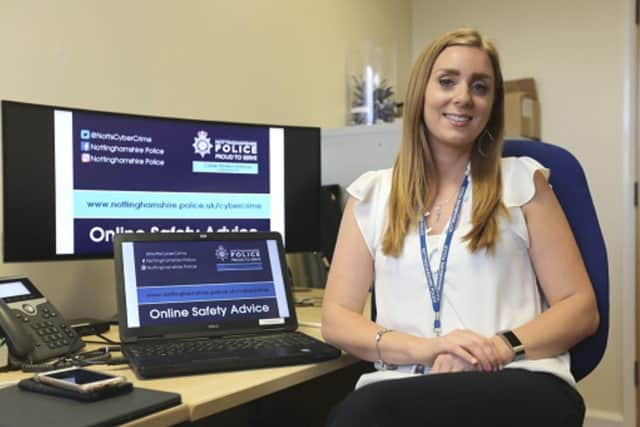
With cyber attacks on the rise, Kirsty Jackson, Cyber Protect Officer for Nottinghamshire Police, urged people to follow the below guidance to protect themselves from cyber criminals.
These are the four simple steps Kirsty is encouraging people to follow in order to protect their information.
Use strong passwords and don’t use the same passwords across all your accounts.

Kirsty said: “The stronger your password, the harder it is for hackers to guess what it is.
“Use three random words and a mix of upper and lower-case characters, along with numbers and symbols, to make the password more secure. For example, Read421-Plants-!Treasure.
“In some instances, passwords and passcodes can be stolen when hackers target an organisation – so it is really important you do not use the same password across all your online accounts.”
She said if the password is the same or similar, hackers will be able to target all of your online accounts.
It is advised to keep passwords separate and look into a password manager app, accessible on all smart phones.
These are encrypted and store passwords safely.

Enable 2-step-verification (2SV)
Kirsty said: “2SV adds an extra security step when you log into online services, to double-check that it really is you logging in and not a hacker.
“A common method is to receive a code that you add separately once you’ve entered your password.
"Some online services, such as banking, may already have 2SV switched on. But most don’t, so you will need to switch it on yourself to give extra protection.”
Check if you have been involved in a data breach
Kirsty said: “You can check to see if you have been involved in a data breach by visiting www.haveibeenpwned.com
“This will tell you if your email address has been involved in any known data breaches you are not aware of and you can also sign-up to the ‘Notify me’ service to receive alerts for any future breaches.”
There is no need to respond to the alert but you can change your password if your data has been breached.
Use different email addresses for key online accounts
Kirsty said: “While email can be a convenient way to communicate between friends, family and work, it can be a nightmare if you get hacked.
“Not only is it a hassle, but you can also fall victim to fraud.”
It is suggested that internet users have separate emails for personal use, work, shopping etc.
Readers can access data breach guidance at NCSC.GOV.UK.